GarageBand on PC: Your Comprehensive Guide to Unlocking Apple's Music Studio (or Finding the Best Alternatives)
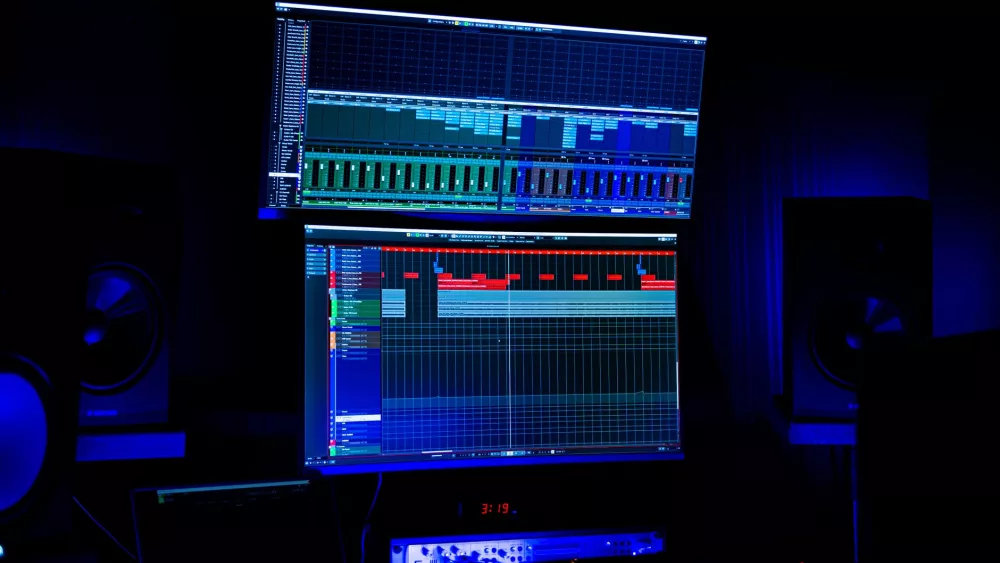
It's a question I hear all the time from aspiring musicians and seasoned producers alike: "Can I get GarageBand on my PC?" I totally get it. GarageBand has this amazing reputation for being incredibly intuitive, feature-rich, and, let's be honest, free for Apple users. It’s a fantastic entry point into music production, making it super appealing for anyone just starting out or even those looking for a quick and easy way to sketch out ideas.
However, and this is where I usually have to break the bad news, GarageBand is an exclusive Apple product. It's designed specifically for macOS and iOS, meaning there isn't an official version you can just download and install on your Windows PC. I know, it’s a bummer, right? But don't despair! My goal here is to walk you through why people love GarageBand so much, explore the unofficial (and often complicated) ways people try to run it on Windows, and then, most importantly, introduce you to some truly excellent alternatives that can give you a similar or even better experience.
Why Do People Want GarageBand on PC So Badly?
I think the appeal of GarageBand boils down to a few key things that make it stand out:
- Ease of Use: For me, one of GarageBand's biggest strengths is its incredibly user-friendly interface. It's designed to be approachable, even if you've never touched a digital audio workstation (DAW) before. You can drag and drop loops, record instruments, and add effects with minimal fuss.
- Powerful Features: Don't let its user-friendliness fool you; GarageBand packs a punch. It comes with a vast library of loops, software instruments, and guitar/vocal presets that sound surprisingly professional. I've seen countless artists start their musical journey here.
- Seamless Integration: If you're in the Apple ecosystem, it integrates flawlessly with other Apple devices. You can start a project on your iPhone and finish it on your Mac, which is a huge convenience.
- Cost: It's free! For anyone already owning an Apple device, that's an unbeatable price for a piece of software this capable. This is a big draw for PC users who might be daunted by the price tags of professional DAWs.
The Reality: No Native GarageBand for Windows
As I mentioned, Apple has always kept GarageBand as a strong incentive for its hardware. It’s a core part of their creative suite, alongside iMovie and Photos, designed to showcase what their operating system and hardware can do. This means if you're rocking a Windows machine, you won't find a legitimate download link for GarageBand. Period. It's just not how Apple operates their software distribution.
Unofficial Routes: Trying to Run macOS on Your PC
Despite the official stance, where there's a will, there's often a way, albeit a complicated and sometimes legally grey one. People sometimes try to run macOS on non-Apple hardware, a process often referred to as a
Editorial Team
Staff analyst and editor writing in-depth guides, analysis, and comprehensive coverage.